Verification of .BE domain names
You may now receive a verification message for your .BE domain name. This message comes from DNS Belgium (dns.be), the official registry for Belgian domain names.
This email asks you to confirm whether the contact details for your domain name are still up to date.
What do you need to do?
- Open the email from dns.be.
- Click the ‘Verify your details’ link.
- Check the details:
- Are all the details correct? Then you don’t need to do anything.
- Do any details need to be changed? You can easily update them via your Kyzoe client area
More information:
You can find detailed information about this verification procedure on the DNS Belgium website:
👉 https://www.dnsbelgium.be/nl/registrant-verification
Example of a verification email
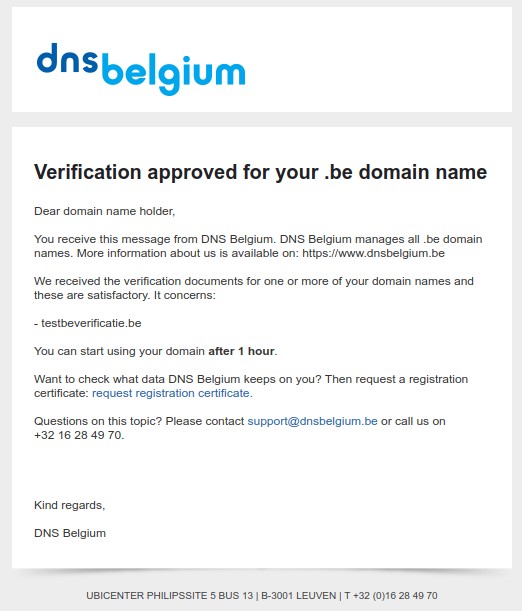
Are you unsure whether an email you received is genuine, or are you unable to update your details? Feel free to contact us; we will be happy to help.


