
AI assistants such as Claude or Cursor write code and text with ease today. But until recently you had to copy everything into your WordPress site yourself. Novamira changes that: with this plugin an AI agent works directly in your WordPress installation. In this article you read what Novamira is, what the Pro version adds, how to use it safely and what our own experience is.
What is Novamira?
Novamira is a WordPress plugin that turns your site into an MCP server. MCP, the Model Context Protocol, is an open standard that lets AI tools talk to other software. Through Novamira an AI agent can, among other things:
- run PHP code inside WordPress;
- read, write and edit files;
- browse folders;
- with the Pro version: create and update posts and pages, and work with page builders such as Elementor.
The agent itself does not run in WordPress. It runs in your own AI tool and connects to your site. The core plugin is free and open source (source code on GitHub). Novamira comes from Dynamic.ooo, the Italian team behind Dynamic Content for Elementor, among others.
Which AI tools work with it?
Any tool that speaks MCP, such as Claude Code, Claude Desktop, Cursor, VS Code with GitHub Copilot, Windsurf, Cline, Gemini CLI, Codex and Zed. The connection runs through the @automattic/mcp-wordpress-remote package, with a WordPress application password to log in.
Free versus Pro
The free version contains the basics: running PHP and managing files. Novamira Pro adds, among other things:
- Memory. The agent stores notes in your site’s database: agreements, choices, points of attention. A next session, or a colleague with another AI tool, can build on them. The memory belongs to the site, not to one person. For us that is the strongest point of Pro.
- Managing posts and pages without the agent having to write PHP itself.
- Specialisations for page builders. With Elementor and Bricks the agent gets extra functions to read and edit designs. The version we use also includes functions for Gutenberg blocks, reusable instructions (skills) and a design library.
Pro is available as an annual licence (for a few sites or for agencies with many sites) and as a one-off licence. Prices change regularly: check the current amounts at Dynamic.ooo.
Security: what you need to know
An AI agent that runs PHP on your site has a lot of power. Novamira builds in a few safeguards:
- Administrators only. All functions require administrator rights in WordPress.
- Sandbox for PHP files. New PHP files go into a separate folder (
wp-content/novamira-sandbox/), not among your plugins or in the WordPress core. You can disable a suspicious file and review it first. - Domain lock. Novamira remembers the domain it was activated on. If the site is cloned or moved, all functions stay off until an administrator confirms the new domain. We noticed that ourselves when we copied kyzoe.be to a test environment.
There are limitations too. The permission model is coarse: whoever has access can do everything. And PHP that the agent runs directly is not covered by the sandbox. Our advice:
- Preferably use Novamira on a staging or development site.
- On a live site: only if you know what you are doing, with a fresh backup, and never on a client’s site without their agreement.
- Create a separate application password per AI tool, so you can revoke access quickly.
- Check what the agent proposes before you put it live, just as you would review a colleague’s work.
Our experience
We use Novamira Pro ourselves, for example for the renewal of kyzoe.be. The AI agent first worked on a protected copy of the site: building pages in Elementor, setting SEO data, checking the knowledge base. Only after review did we put the changes live. What stood out:
- It is fast for repetitive work, such as the same change on dozens of pages or checking all titles and descriptions.
- The memory helps: you don’t have to repeat agreements on writing style or working method every time.
- Human review remains necessary. An agent can make a mistake that looks technically correct, so we check every change on the test environment before it goes live.
Novamira on Kyzoe hosting
Novamira works on our hosting. To protect the server, functions such as exec and shell_exec are disabled (see which PHP functions are disabled). An agent can therefore run PHP inside WordPress, but not server commands. For a safe way of working we recommend:
- work on a staging site, which is included in our web hosting and WordPress plans;
- check beforehand that there is a recent backup; we make one every day and you can restore it yourself via the hosting panel.
Want to use Novamira for your sites or your clients’ sites and unsure about the right approach? Email support@kyzoe.be. If you manage sites for clients, also take a look at our hosting for web agencies.
The links to Dynamic.ooo in this article are partner links. If you buy through such a link, Kyzoe may receive a commission. The price does not change for you, and our opinion of Novamira does not depend on it.
Read also

Free WordPress plugin: age verification for your alcohol website (GDPR-compliant)
Do you sell wine, beer, whisky or other alcoholic drinks through your website? Then in Belgium (and most EU countries) you are…
Read more
Kyzoe launches its first OTP plugin
We are launching a new WordPress plugin that generates One-Time Passwords (OTP). Minor news? Absolutely not — this is one of the…
Read more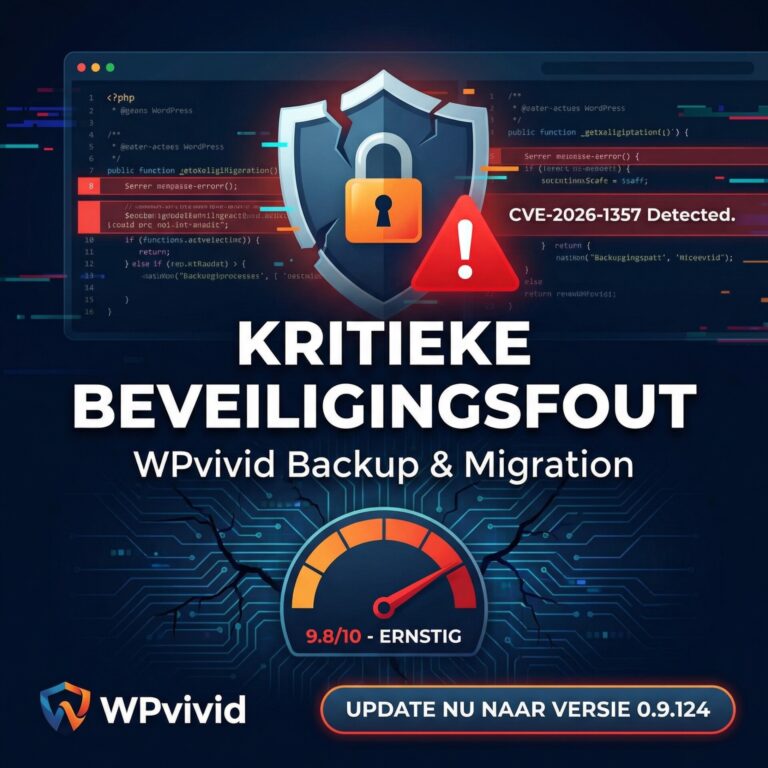
Vulnerability in popular backup plugin
More than 900,000 WordPress websites are at risk from a serious flaw in the WPvivid Backup & Migration plugin. Is your website…
Read more